
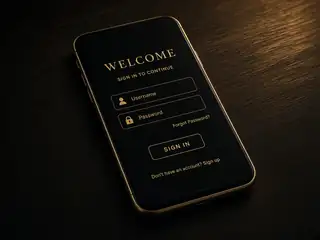
Sign in
Use the mobile number or email from registration and the password you set. The login is the same on the site and in the Android app. A laptop session and a phone session share one INR balance, so you do not keep two StarkBet accounts for two devices.
Type the 10-digit Indian mobile without a leftover country code if the field already stores it that way. Passwords are case sensitive. Confirm you are 18 or older before you send the first deposit.
If login fails
- Check the country code. The account stores the 10-digit Indian mobile.
- Passwords are case sensitive.
- After several misses the form pauses. Wait, then try again or reset by email.
- A shared phone may be filling an old password. Type it, do not trust autofill blindly.
- If the Android file is old, install the current package from this domain, then try the same login.
Password reset
Write to [email protected] from the email on the account, or use the reset link if it is shown on the form. The desk will not read a password back to you. Set a new one yourself.
A chat window that asks you to paste a one-time bank code is not the StarkBet desk. Close it. The UPI PIN stays in PhonePe, Paytm, Google Pay or your bank app.
Shared phones and cafes
Log out when you leave a shared handset. Do not save the StarkBet password in a cafe browser. A family phone with an old saved password is a common lockout on IPL night.
Summary
Keep the StarkBet password private. The desk never asks for your UPI PIN. New players should start at registration.
FAQ
Can I stay logged in on my phone?
Yes, on a phone only you use. Log out on any shared device.
I changed my mobile number. How do I log in?
Email support from the address on the account. They will update the number after a KYC check, not from a chat screenshot alone.